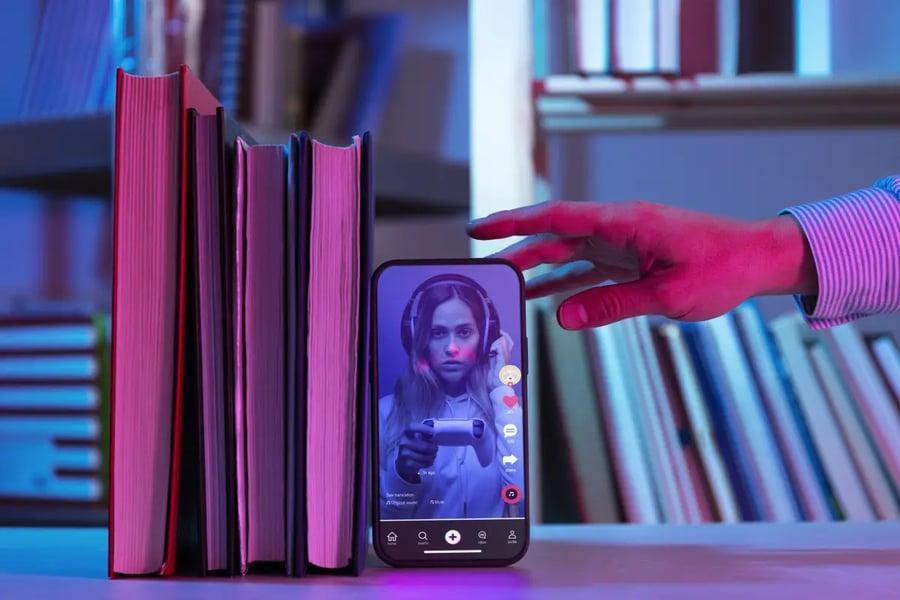
Getting a TikTok as a plain MP4 file sounds like it should be one tap. It usually is not, because the app hands you a watermarked copy and hides the clean file. This walkthrough covers both paths, the phone method most people need and the desktop method for anyone editing later. The steps are short. The habits around them matter more than the clicks.
Getting the link first, on either device
Everything starts with the share link. This part is identical on phone and desktop.
- Open the TikTok video you want to keep.
- Tap or click the share arrow on the right side.
- Choose Copy link from the row of options.
- The URL is now on your clipboard, ready to paste.
That link is the only ingredient a browser tool needs. No screen recording, no account, no app permissions.
The phone method, start to finish
Most people meet a video mid-scroll with only a phone in hand. This is the common path.
- Copy the link using the steps above.
- Open your mobile browser, Safari or Chrome, in a new tab.
- Go to a downloader that runs in the browser rather than an app.
- Paste the link into the box and confirm.
- Pick the MP4 option, choosing the highest resolution listed.
- Tap download, then save the file to Photos or your Files app.
For the paste-and-confirm step, a clean tiktok to mp4 downloader like tiksaver returns the raw file without a watermark and without a login, which keeps the whole thing to a few taps. If you would rather compare, snaptikvideo and dlpanda both walk the same route with a few more ad pages in between.
The file lands in seconds. Check the corner for a logo before you save the next one.
The desktop method for editing
Anyone dropping the clip into an editor should use desktop. The workflow is roomier and the files are easier to organize.
- Copy the video link from the TikTok web player or paste one shared from your phone.
- Open a browser tab and load your chosen downloader.
- Paste the link and select MP4 at full resolution.
- Download to a named folder, not the default downloads pile.
- Rename the file right away so you can find it during editing.
If a download fails, work through this
Nothing here is complicated, but TikTok links do sometimes refuse to cooperate. Run these checks in order before giving up.
- Confirm you copied the video link, not a profile or a search URL. This is the most common slip.
- Make sure the post is public. Private and friends-only clips will not resolve in any browser tool.
- Refresh the downloader page and paste again. A stale tab causes more errors than people expect.
- Try the backup tool you bookmarked. If the first returns nothing, the second usually succeeds within a day.
- Wait a few hours. When TikTok updates its back end, tools break briefly and recover on their own.
Most failures fall out at step one or two. The rest resolve with a fresh tab or a short wait.
The habits that make it painless
Two small rules keep this from ever becoming a chore. First, always grab the highest resolution the tool lists, even for a quick save, because you can shrink a file later but you cannot rebuild detail that was thrown away. Second, keep a second tool bookmarked. TikTok changes its back end often, and when one downloader stalls, the backup usually walks straight through.
The phone path is for speed. The desktop path is for anything you will edit. Both come down to the same three moves, copy the link, paste it, save the MP4. Learn that once and the app watermark stops being a problem you think about. It becomes a setting you routinely step around, on whichever device happens to be in your hand.
Copyright © 2026 California Business Journal. All Rights Reserved.
For California Business Journal Disclaimers, go to /terms-conditions/.